

Tokens and headers
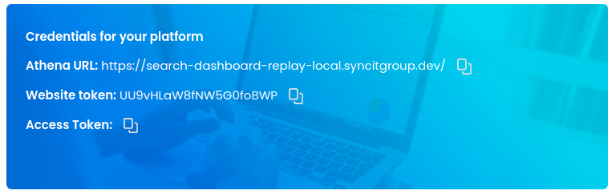
Every Athena XAI API request needs two credentials: an API access token and a website token.
| Credential | Where to find it | How to send it |
|---|---|---|
| API access token | Athena Dashboard, under Settings -> General Settings | As a Bearer token in the HTTP header |
| Website token | Unique per store, for each organization | In the HTTP body, as the parameter token |
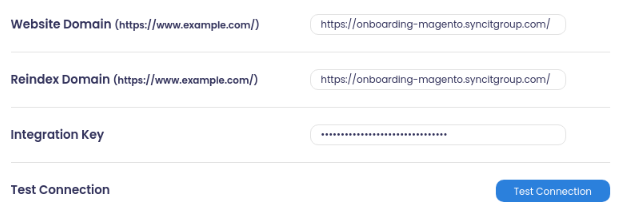
Set the correct Website domain on the dashboard, then save the configuration.
Required headers
Include these headers when you call Athena XAI APIs:
Content-Type:application/jsonAuthorization: Bearer {{access-token}}
OAuth 2.0
Athena XAI authenticates APIs using the OAuth 2.0 standard. To generate access tokens from a Client ID and Client Secret, follow the OAuth2 flow.